Guide
How to print images made with ChatGPT and other AI tools
Want to print AI art? Learn what to check about image resolution, print size, file format and image rights.
By Equipo Básico Impresión Digital · Published
Creating an illustration with ChatGPT or another AI tool may take minutes. Getting a good print takes a few extra checks that aren’t always obvious on a screen.
You don’t need to be a graphic designer to get started. The key is knowing what you want to make and how large you want it.
What can you print from an AI-generated image?
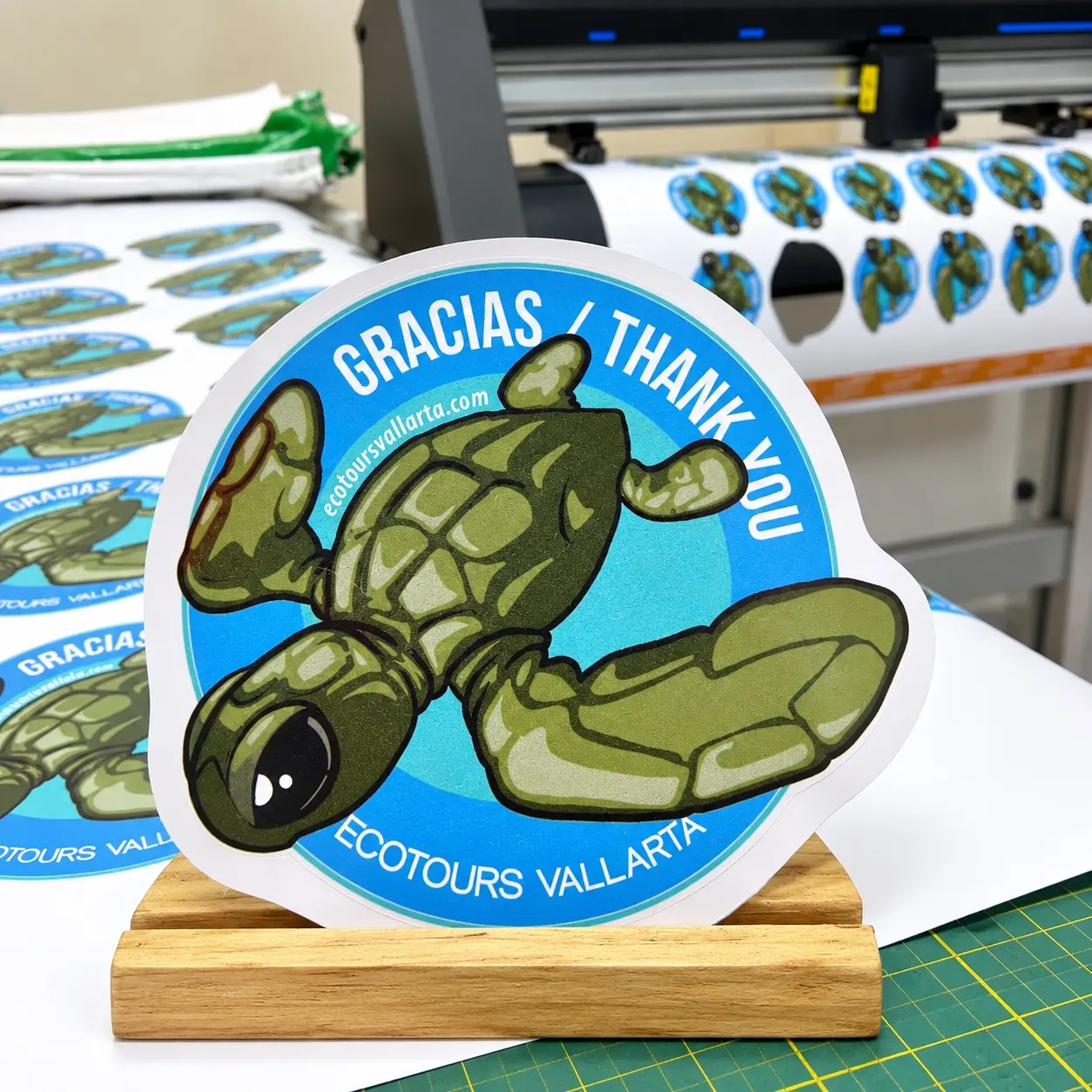
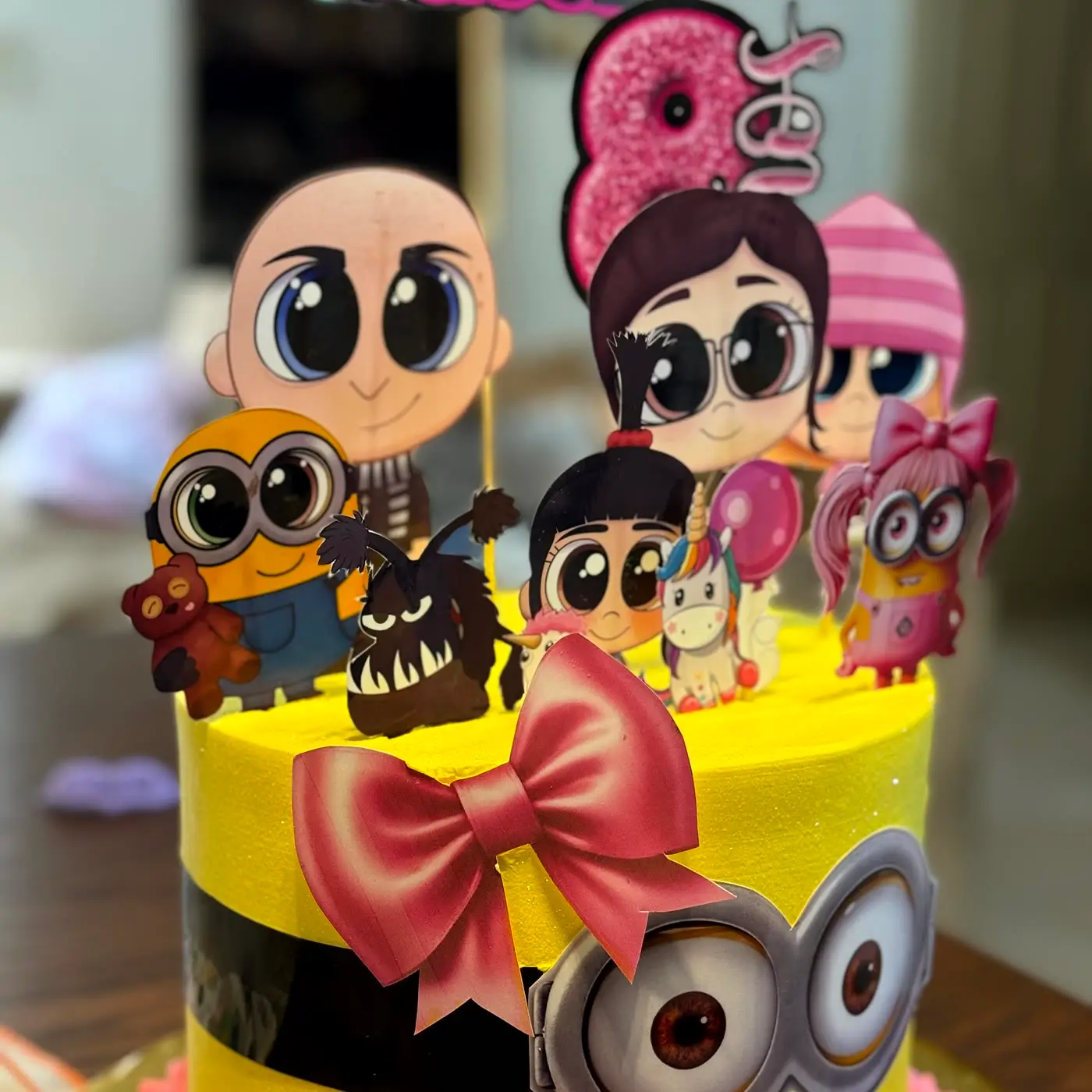
Depending on applicable rights and the tool’s terms, you might use your image for a personal poster, party decoration, card, cover or display. The appropriate printing material depends on where and how you’ll use it.
Start with the finished size
An image can look great on your phone but lose sharpness when enlarged. Decide whether you’re making a small print, a letter-size piece or a large poster.
For items viewed up close, around 300 pixels per inch (ppi) at final size is a common target. Large displays viewed from a distance may work at lower resolutions. The right number depends on the artwork, viewing distance and print process.
Enlarging isn’t the same as adding real detail
Simply increasing an image’s dimensions doesn’t restore missing information. AI upscalers can help, but they may invent texture or change tiny details and letters. Review the enlarged version carefully before printing.
Check the artwork itself
AI images sometimes include odd lettering, hands, repeated shapes or small inconsistencies. Zoom in and inspect any text closely. For names, dates or prices, it’s usually safer to add editable text in a design tool rather than relying on AI-rendered lettering.
Which file should you send?
A high-quality PNG or JPG can be enough if it has suitable dimensions. If you place the image into Canva or another layout program, a print-ready PDF may make it easier to preserve page size, type and trimming information.
Check usage rights
Before printing or selling a design, check the AI tool’s terms and make sure you have rights to the elements you use. Third-party characters, logos and photographs may come with additional restrictions.
From digital image to physical print
At Básico Impresión Digital, we can discuss the size and suggest materials based on your project. We help English- and Spanish-speaking customers in Puerto Vallarta and Bahía de Banderas.
To get guidance: send your original file, approximate dimensions and desired quantity.
Frequently asked questions
Can I print AI art as a large poster?
Sometimes. It depends on the image dimensions, its detail and how far away people will view it. The actual file needs checking.
Can the colors be adjusted?
Often, yes, although a perfect match between screen and print cannot be guaranteed.
Is a screenshot good enough?
The original downloaded image is preferable. Screenshots usually have more quality limitations.