Guide
How to print your Canva designs in Puerto Vallarta
Made something in Canva? Learn how to export it, check its size and prepare it for printing in Puerto Vallarta.
By Equipo Básico Impresión Digital · Published
Finished a design in Canva and want to hold it in your hands? You don’t need professional design software. You just need a file that matches the printed product you have in mind.
At Básico Impresión Digital, we help people print designs they’ve made themselves. Here’s what to check before sending yours.
1. Decide what you’re printing
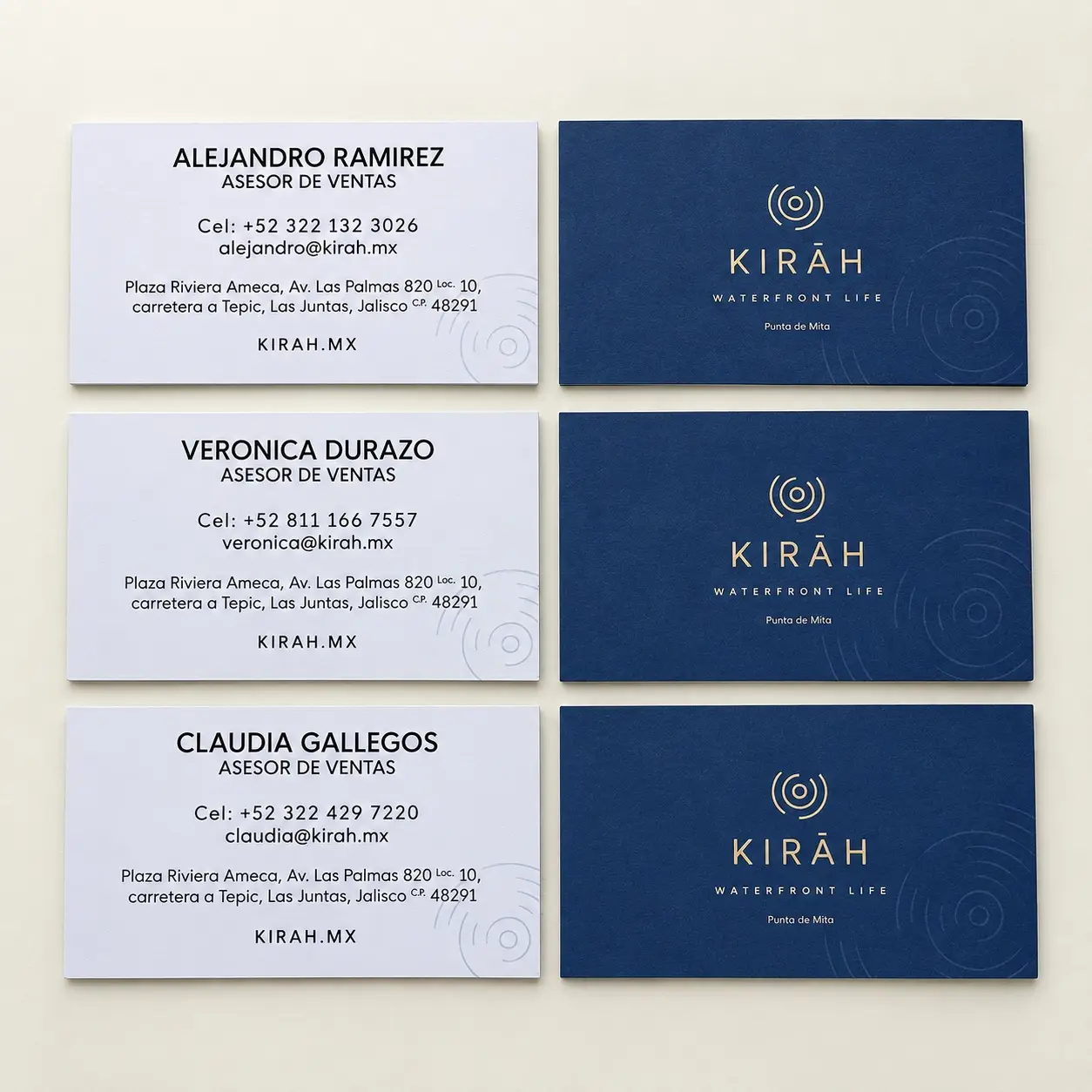
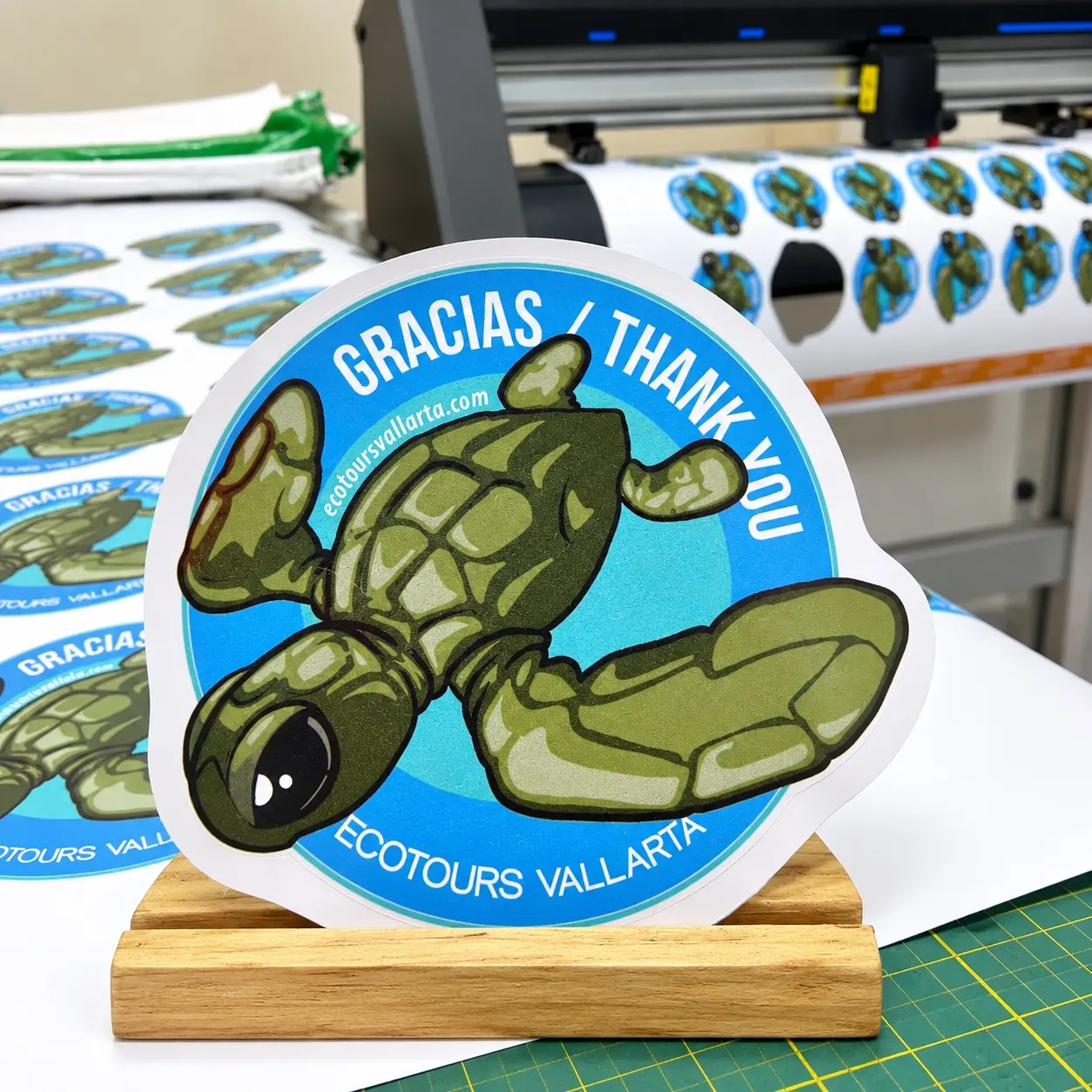
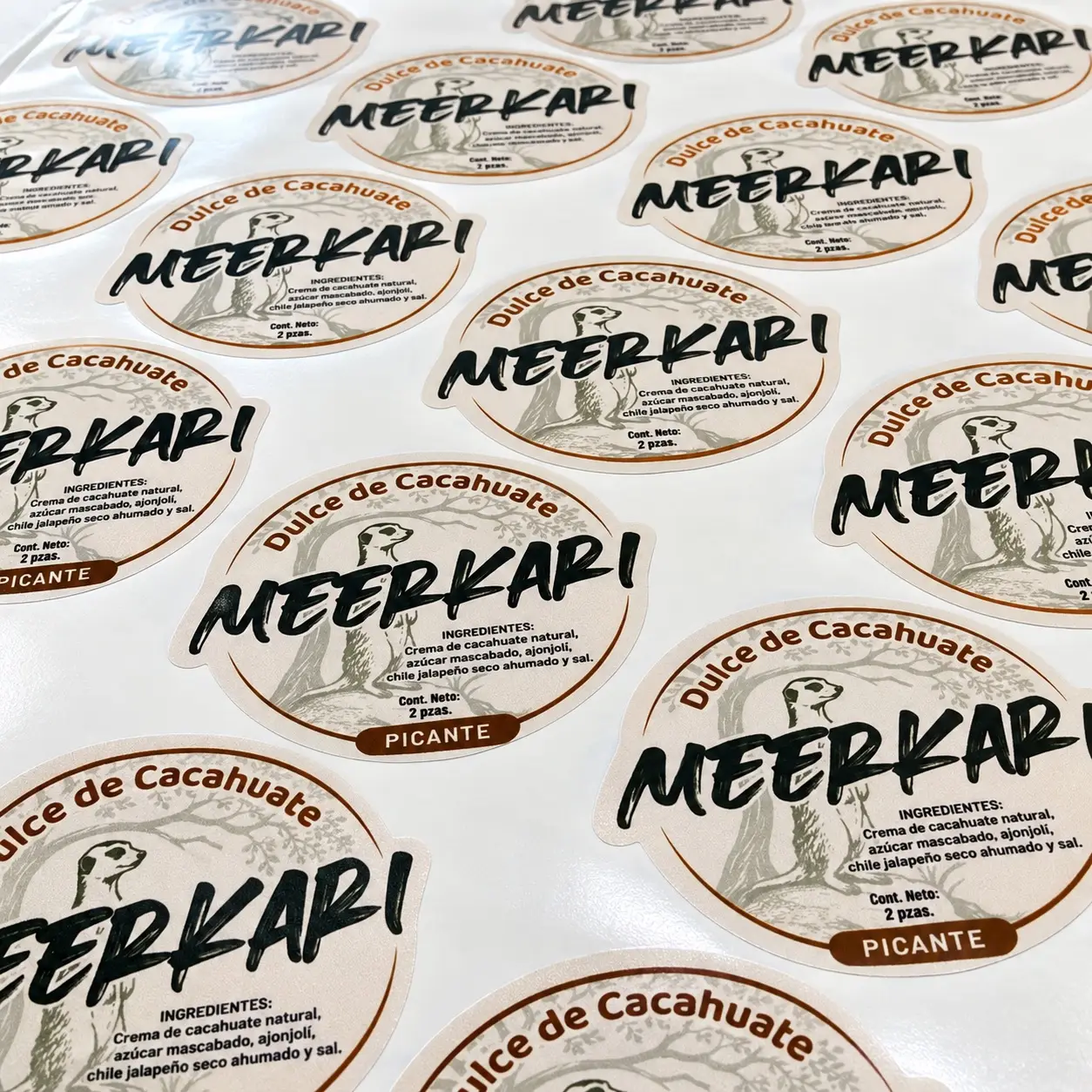
An invitation, a poster, a business card and a sticker all have different requirements. Start with the finished size, quantity and intended use. Will people handle it? Hang it indoors? Use it outdoors? These details help determine the right paper or material.
2. Check your document dimensions
Make sure the Canva design matches the size you want to print. If it started as a social media post, you may need to resize or rearrange it. A square design won’t always fit a rectangular card.
3. Leave room for trimming
Keep important text away from the edge. When a background reaches the edge of the finished piece, it usually needs bleed—a little extra artwork beyond the cut line. Exact requirements vary by product.
4. Export the right file
In Canva, select Share → Download → PDF Print for most paper-based projects. If the piece will be trimmed, check the crop marks and bleed options. Some settings, such as color profile choices, depend on your Canva plan.
A JPG or PNG can also work for certain jobs, but the image dimensions and quality need checking.
5. Look at image quality and color
A photo can look sharp on a phone yet appear soft when enlarged. Printed colors may also differ from what you see on a backlit screen. If a particular brand color matters, ask about it before printing the full quantity.
Not sure your file is ready?
Send it to us and explain what you’d like to make. We can help you choose a size and material and explain if anything needs adjusting. We assist customers in English and Spanish in Puerto Vallarta and Bahía de Banderas.
To get started: share your PDF, finished dimensions and quantity.
Frequently asked questions
Do I need Canva Pro?
Not always. Canva supports PDF Print exports, though certain advanced options depend on your subscription.
Can I print just one item?
It depends on the product and print process. Tell us what you need and we can discuss the available options.
Can I send a Canva link?
A downloaded PDF is usually easiest. If you’re having trouble exporting, we can explain what information we need.